1. Objet et champ d’application
Les présentes Conditions générales d'utilisation (« CGU ») régissent l'accès et l'utilisation de Juliio (Jules Interactive Instrument Studio), application développée et éditée par Jules Recorder, ainsi que les services, fonctionnalités, interfaces web et futures versions desktop ou mobiles officiellement rattachées à Juliio.
En accédant à Juliio ou en utilisant une fonctionnalité, l'utilisateur accepte les CGU applicables à son usage. Lorsqu'un compte ou un abonnement est créé, l'acceptation peut être matérialisée par une case à cocher ou un mécanisme équivalent. Les droits impératifs accordés au consommateur par sa juridiction restent applicables et prévalent lorsqu'ils ne peuvent pas être écartés contractuellement.
2. Description de Juliio
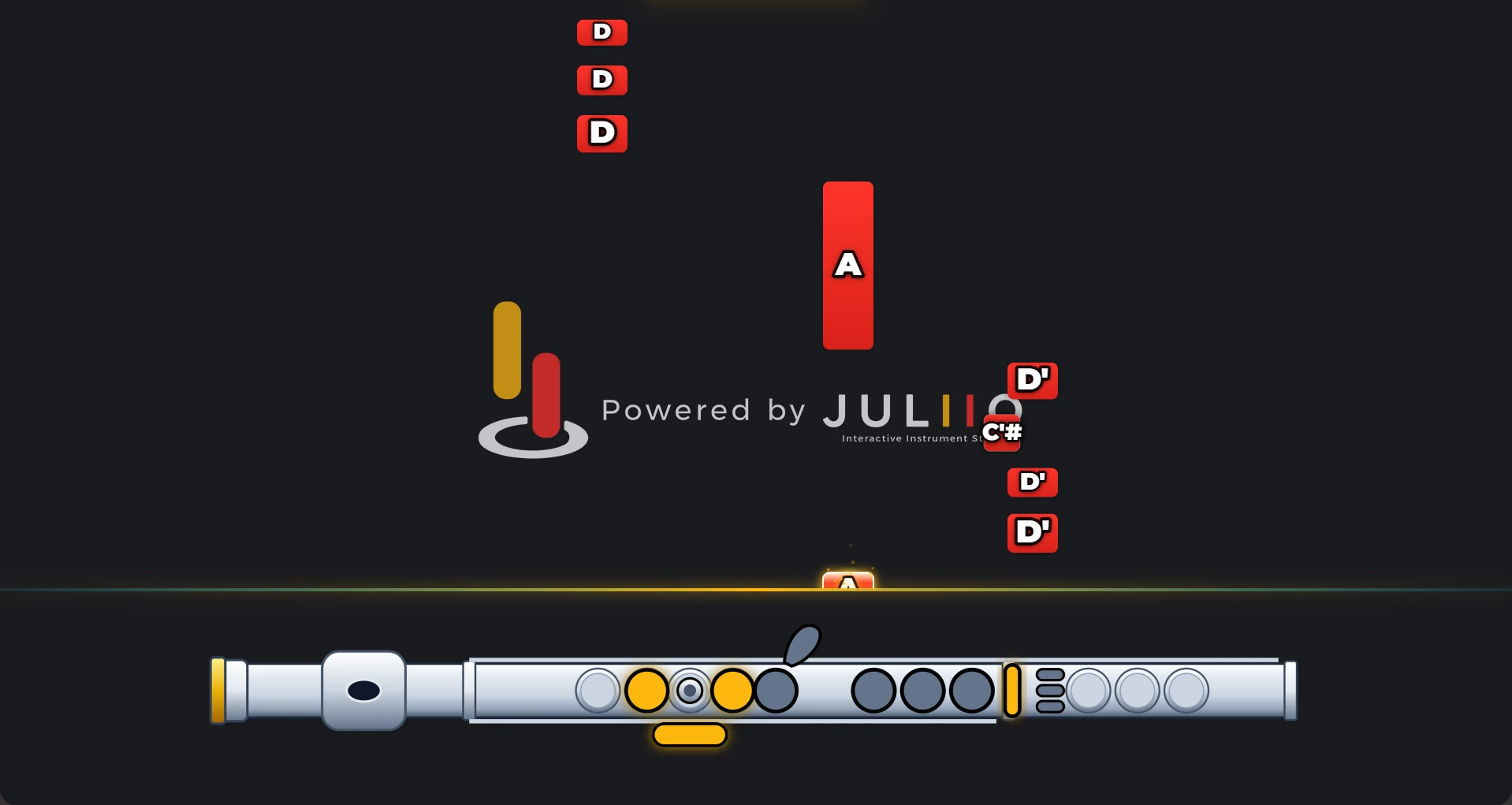
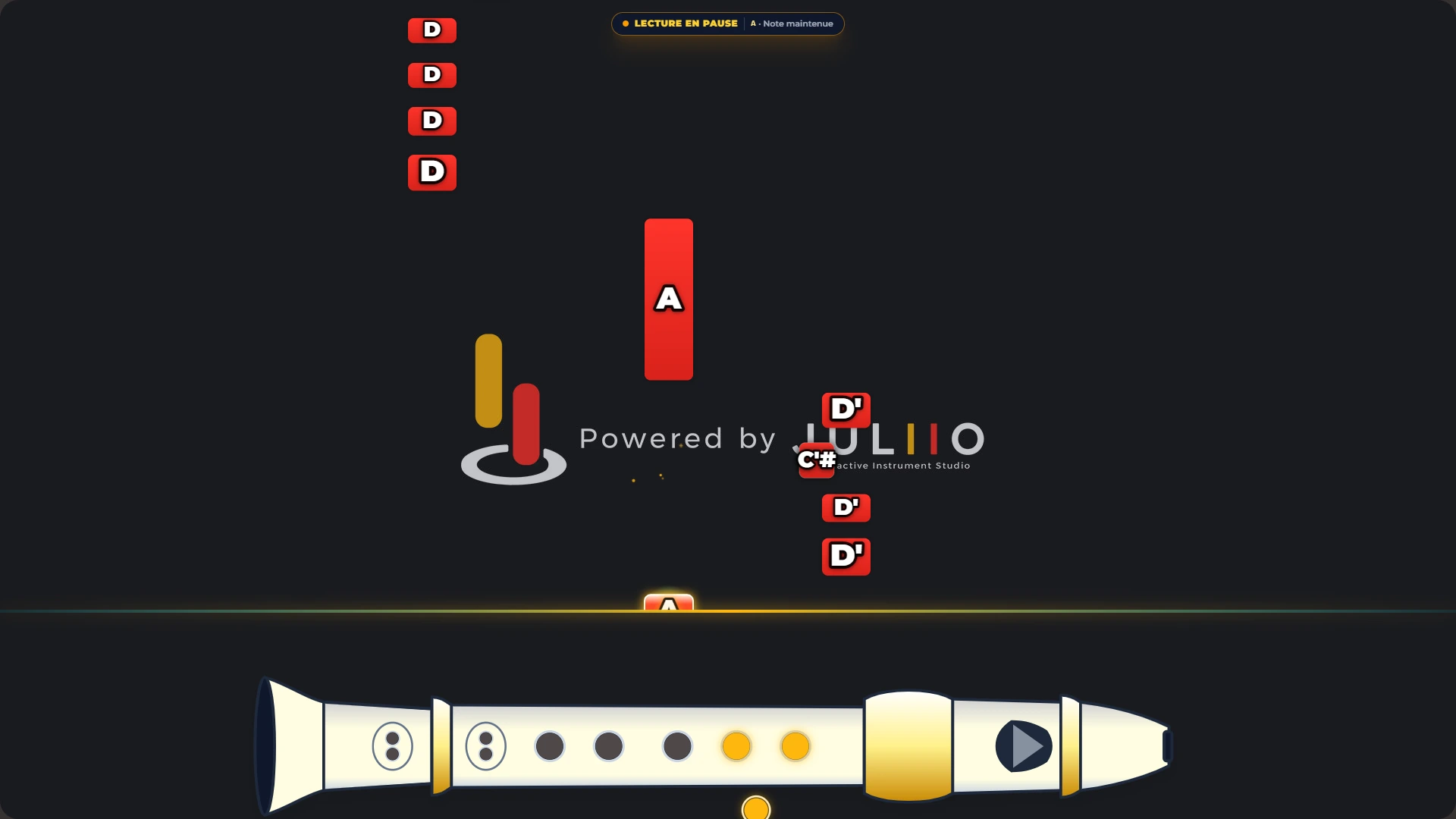
Juliio est un studio interactif pour instrumentistes, créateurs de tutoriels et enseignants. Il permet notamment de transformer des données musicales en affichages visuels adaptés à différents instruments, de préparer des tutoriels ou supports de cours et, selon l'offre souscrite, de créer, modifier, convertir ou transcrire des contenus MIDI.
importation et lecture de fichiers MIDI compatibles ;
visualisation de notes tombantes et affichages instrumentaux interactifs ;
sélection d'instruments, doigtés, touches, pistons ou repères visuels selon les instruments disponibles ;
réglages de langue, tempo, pitch/transposition et autres paramètres de lecture proposés dans l'interface ;
personnalisation du rendu visuel selon l'abonnement ;
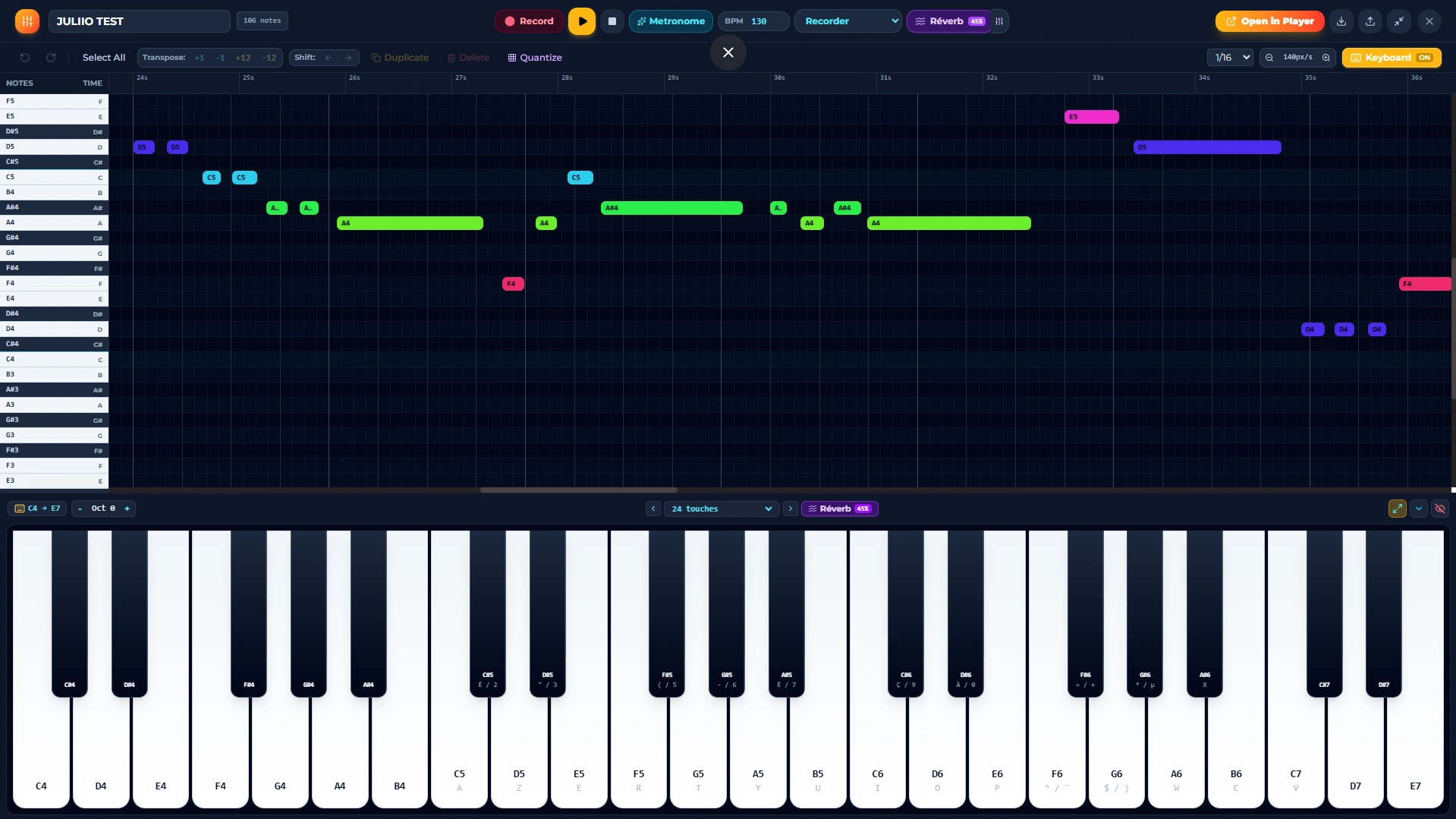
éditeur MIDI intégré et outils de création MIDI pour les offres qui y donnent accès ;
fonction Audio-to-MIDI dans les limites de crédits prévues ;
fonction de Real-time MIDI Writer / Score Creator et génération de supports de notation pour l'offre Pro ;
export ou génération de supports pédagogiques et tutoriels lorsque la fonctionnalité est disponible.
3. Accès et éligibilité
La version Basic peut être utilisée sans inscription lorsque cette option est disponible. Les offres payantes nécessitent un compte et des informations suffisantes pour gérer l'abonnement et fournir le service. L'utilisateur doit fournir des informations exactes et protéger ses identifiants.
L'utilisateur qui souscrit un abonnement déclare avoir la capacité juridique nécessaire pour conclure le contrat ou, s'il est mineur, disposer de l'autorisation requise d'un parent ou représentant légal. Des règles supplémentaires s'appliquent aux utilisateurs mineurs dans certaines juridictions.
4. Offres, quotas et fonctionnalités
Offre | Prix indicatif | Accès principal |
|---|
Basic | Gratuit, sans inscription | Jusqu’à 5 imports MIDI par jour ; chaque fichier importé est limité à 50 notes. Changement d’instrument et paramètres de langue. Apparence non personnalisable et filigrane Juliio obligatoire. |
Creator | 9,99 USD / mois | Essai gratuit de 7 jours. Instruments et personnalisation de l’affichage, y compris retrait du filigrane lorsque proposé. La conversion Audio-to-MIDI n’est pas incluse dans Creator ; elle est réservée à Pro. Pas d’accès à l’éditeur MIDI intégré de création/édition avancée. |
Pro | 16,99 USD / mois | Accès à l’ensemble des fonctionnalités disponibles dans Juliio, notamment les fonctionnalités Creator, la conversion MP3 vers MIDI, l’éditeur MIDI intégré, la création MIDI et le Real-time MIDI Writer / Score Creator, sous réserve des limites raisonnables ou techniques affichées. |
Les prix et modalités de facturation applicables sont affichés dans le studio et confirmés avant paiement.
Les quotas peuvent être réinitialisés selon le cycle indiqué dans l'interface. Les crédits non utilisés ne sont pas automatiquement reportés, sauf mention contraire au moment de l'achat. Juliio peut appliquer des limites de sécurité et d'usage raisonnable destinées à prévenir les abus ou protéger l'infrastructure.
5. Essai gratuit, prix et abonnements
L'offre Creator peut inclure un essai gratuit de 7 jours. Sauf indication différente lors de l'inscription, l'essai se transforme automatiquement en abonnement payant à son terme si un moyen de paiement valide a été fourni et si l'utilisateur n'a pas annulé avant la fin de l'essai.
Les prix sont affichés en dollars américains (USD), sauf devise locale proposée par le prestataire de paiement. Les taxes, TVA ou autres prélèvements obligatoires peuvent être ajoutés ou inclus selon la juridiction et les règles du prestataire de paiement. Le prix final applicable est celui affiché avant confirmation de la commande.
6. Paiement, renouvellement automatique et résiliation
Les abonnements payants sont renouvelés automatiquement par défaut à la fin de chaque période de facturation, mensuelle ou annuelle, jusqu'à leur résiliation. L'utilisateur autorise les prélèvements récurrents selon le plan choisi.
Le paiement est géré par un prestataire tiers, actuellement Lemon Squeezy lorsque cette intégration est activée. Lemon Squeezy agit en qualité de Merchant of Record pour les achats qu'il traite et gère notamment le paiement, certaines obligations fiscales, les remboursements/chargebacks et la conformité PCI relevant de son rôle. Juliio ne demande pas à l'utilisateur de transmettre ses numéros complets de carte bancaire à Jules Recorder.
L'utilisateur peut résilier son abonnement ou désactiver le renouvellement automatique depuis les paramètres de compte ou le portail de facturation mis à disposition. Sauf droit impératif contraire, la résiliation prend effet à la fin de la période déjà payée et n'entraîne pas automatiquement le remboursement prorata temporis de la période en cours.
7. Remboursements
Les demandes de remboursement sont examinées au cas par cas. Elles sont notamment recevables en cas de double facturation avérée, de prélèvement non autorisé ou qui n'aurait pas dû être effectué, d'erreur financière imputable au système de paiement, ou lorsque la loi applicable impose un remboursement.
Un problème technique, une incompatibilité de matériel, une interruption temporaire ou l'insatisfaction liée à une fonctionnalité ne donne pas automatiquement droit à un remboursement, sans préjudice des garanties légales impératives. Jules Recorder peut proposer une assistance, une correction, une prolongation de service, un crédit ou un remboursement selon la situation.
Toute demande doit être adressée à julesrecorder@gmail.com avec l'adresse e-mail du compte, la date de facturation, le montant et les informations nécessaires à l'identification de la transaction. Aucun présent article ne limite les droits impératifs de rétractation, d'annulation ou de remboursement applicables dans certaines juridictions, notamment au sein de l'Union européenne ou du Royaume-Uni.
8. Contenus importés et droits d’auteur
Juliio est un outil d'affichage, d'édition, de conversion et de création de données musicales. Juliio n'est pas, sauf lancement exprès d'un service distinct, une bibliothèque publique ni une marketplace de partage de fichiers MIDI protégés.
L'utilisateur conserve ses droits sur les fichiers, enregistrements, partitions et autres contenus qu'il importe ou crée, sous réserve des droits de tiers qui peuvent exister sur les compositions musicales, arrangements, paroles, enregistrements ou autres œuvres sous-jacentes.
En important ou traitant un contenu, l'utilisateur déclare disposer des droits, licences, autorisations ou exceptions légales nécessaires à l'usage envisagé. Le fait de recréer, ralentir, transposer, simplifier, modifier l'octave ou convertir une œuvre protégée ne garantit pas que l'utilisation soit libre de droits.
Jules Recorder n'acquiert aucun droit de propriété sur les contenus de l'utilisateur. L'utilisateur accorde uniquement la licence technique limitée, non exclusive et temporaire nécessaire pour héberger, transmettre, analyser, convertir ou rendre le contenu afin de fournir les fonctions demandées.
L'utilisateur demeure responsable de la publication, distribution, monétisation ou diffusion des tutoriels, partitions, vidéos et autres sorties qu'il génère avec Juliio. Jules Recorder peut retirer ou bloquer un contenu lorsqu'il existe un motif raisonnable de violation de droits ou une demande juridiquement valide.
9. Propriété intellectuelle de Juliio
Juliio, son code, son interface, sa marque, ses logos, ses composants graphiques, ses moteurs de traitement, ses profils d'instruments, sa documentation et ses éléments originaux appartiennent à Jules Recorder ou à ses concédants.
L'abonnement ne transfère aucun droit de propriété sur le logiciel. Il accorde uniquement un droit personnel, limité, révocable, non exclusif et non transférable d'utiliser Juliio pendant la période autorisée et conformément au plan souscrit.
Sauf autorisation légale impérative, il est interdit de copier, redistribuer, revendre, louer, contourner les limitations, extraire le code, décompiler, désassembler ou tenter de reconstituer tout ou partie de Juliio au-delà de ce qui est nécessaire à l'interopérabilité légalement permise.
10. Utilisations interdites
importer sciemment des logiciels malveillants ou fichiers destinés à perturber le service ;
contourner les quotas, paywalls, filigranes, contrôles d'abonnement ou mesures de sécurité ;
utiliser des scripts, bots ou automatisations abusives pour saturer les ressources ;
accéder ou tenter d'accéder aux comptes, fichiers ou données d'un autre utilisateur ;
utiliser Juliio pour enfreindre des droits d'auteur, droits voisins, marques ou autres droits de tiers ;
revendre l'accès au compte ou partager des identifiants lorsque le plan est prévu pour un utilisateur individuel ;
utiliser le service d'une manière illégale ou susceptible de porter atteinte à Jules Recorder, à ses prestataires ou à d'autres utilisateurs.
11. Données et confidentialité
Les données d'un utilisateur ne sont pas rendues visibles aux autres utilisateurs sauf fonctionnalité de partage expressément activée par l'utilisateur. Jules Recorder limite la collecte aux données nécessaires au fonctionnement technique, commercial, de sécurité, d'assistance, d'analyse et, lorsque le consentement ou une autre base juridique l'autorise, de marketing et de publicité.
Jules Recorder ne conserve pas les numéros complets de cartes bancaires, cryptogrammes de carte ou pièces d'identité comme composante normale de Juliio. Les paiements sont traités par le prestataire de paiement. Les pratiques détaillées sont décrites dans la Politique de confidentialité.
12. Disponibilité, mises à jour et assistance
Jules Recorder s'efforce de maintenir Juliio disponible et fonctionnel, sans garantir une disponibilité ininterrompue. Des interruptions peuvent survenir pour maintenance, mise à jour, incident, dépendance tierce, réseau ou raisons de sécurité.
Juliio peut évoluer afin d'améliorer la sécurité, la compatibilité, la performance ou les fonctionnalités. Les modifications substantielles affectant un abonnement payant sont communiquées dans un délai raisonnable lorsque la loi ou la nature du changement l'exige.
13. Audio-to-MIDI et fonctionnalités automatisées
Les résultats Audio-to-MIDI, de quantification, d'adaptation instrumentale, de génération de partitions ou d'autres fonctions automatisées sont des aides techniques. Ils peuvent contenir des erreurs de hauteur, rythme, durée, doigté, tessiture ou interprétation musicale.
L'utilisateur doit vérifier les résultats avant publication, enseignement, performance ou usage professionnel. Jules Recorder ne garantit pas que les sorties constituent un arrangement musical parfait ni qu'elles soient adaptées à tous les niveaux, instruments, pratiques pédagogiques ou contextes de performance.
14. Responsabilité
Dans la mesure permise par la loi, Jules Recorder n'est pas responsable des pertes indirectes, pertes de revenus, pertes de données, atteintes résultant d'un contenu importé sans autorisation, ni des décisions prises sur la base d'une transcription ou adaptation automatisée erronée.
Aucune clause des présentes n'exclut ou ne limite une responsabilité qui ne peut pas être exclue par la loi, notamment les droits impératifs du consommateur, la responsabilité pour faute lourde ou autres régimes non susceptibles de limitation selon la juridiction applicable.
15. Suspension et fermeture de compte
Jules Recorder peut suspendre temporairement ou fermer un compte en cas de fraude, non-paiement, violation grave ou répétée des CGU, atteinte à la sécurité, usage abusif ou obligation légale. Lorsque cela est raisonnablement possible, l'utilisateur est informé et peut contacter l'assistance.
L'utilisateur peut demander la suppression de son compte. Le compte est alors placé en état privé ou de suppression programmée pendant une période pouvant aller jusqu'à 30 jours, puis les données du compte sont supprimées ou anonymisées, sauf données dont la conservation reste nécessaire pour respecter une obligation légale, résoudre un litige, prévenir la fraude ou établir des droits. Les demandes relevant d'un droit légal spécifique sont traitées dans les délais impératifs applicables.
16. Mineurs
Juliio peut être utile dans un contexte éducatif, mais les comptes payants et traitements de données personnelles doivent respecter les règles d'âge applicables. Aux États-Unis, des obligations spécifiques peuvent s'appliquer en cas de collecte de données personnelles auprès d'enfants de moins de 13 ans. Dans l'Union européenne, l'âge du consentement numérique parental applicable aux traitements fondés sur le consentement varie selon l'État membre entre 13 et 16 ans.
Jules Recorder ne cherche pas à collecter sciemment des données personnelles d'enfants en violation de ces règles. Les parents, tuteurs et établissements peuvent contacter julesrecorder@gmail.com pour toute demande relative aux données d'un mineur.
17. Services tiers
Juliio peut s'appuyer sur des prestataires tiers pour l'hébergement, la sécurité, les paiements, l'analytique, la publicité, l'envoi d'e-mails, le stockage ou certains traitements techniques. Ces prestataires peuvent notamment inclure Lemon Squeezy pour les paiements et, lorsque ces outils sont activés et autorisés, Google et Meta pour l'analytique, la mesure et la publicité.
L'utilisation de ces services est également soumise à leurs propres politiques et conditions. Jules Recorder sélectionne des prestataires appropriés et limite les données partagées à ce qui est nécessaire aux finalités annoncées.
18. Droit applicable et consommateurs internationaux
Pour les utilisateurs situés dans l'Union européenne, au Royaume-Uni, aux États-Unis, au Canada, au Brésil, au Japon ou dans d'autres juridictions disposant de règles impératives de protection du consommateur, de la vie privée ou de renouvellement d'abonnement, ces règles s'appliquent dans la mesure où elles sont légalement applicables à Juliio. Aucune clause des CGU ne vise à supprimer un droit auquel l'utilisateur ne peut légalement renoncer.
Avant une commercialisation internationale à grande échelle, Jules Recorder doit vérifier les obligations locales liées notamment aux mentions précontractuelles, droit de rétractation, renouvellement automatique, fiscalité, représentants locaux en matière de données et règles de protection des mineurs.
19. Modification des CGU
Jules Recorder peut modifier les CGU pour tenir compte de changements légaux, techniques ou commerciaux. En cas de modification substantielle affectant un utilisateur disposant d'un compte, une information raisonnable est fournie par e-mail, notification dans l'application ou autre moyen approprié avant l'entrée en vigueur lorsque cela est requis.
20. Contact
Questions relatives aux CGU, abonnements, remboursements, droits d'auteur ou assistance : julesrecorder@gmail.com